Last Updated: November 2025 | Reading Time: 8 minutes
Choosing the right keyboard can dramatically impact your productivity, comfort, and overall computing experience. After testing dozens of keyboards over the past five years—from budget membrane models to premium mechanical options like the Logitech MX Keys and Cherry MX-equipped gaming boards—I’ve learned that understanding both the benefits and limitations of keyboard types is essential for making an informed decision.
If you’re new to computers, you can first explore [what is a keyboard] to understand how it functions as the primary input device. Whether you’re a writer typing 5,000 words daily, a programmer debugging code for hours, a competitive gamer, or someone setting up their first home office, this guide focuses on the advantages and disadvantages of keyboards to help you make the right choice.
Why Keyboards Still Matter in 2025
Despite the rise of touchscreens, voice input, and gesture controls, physical keyboards remain the gold standard for extended typing tasks. The average keyboard user can type 40–60 words per minute (WPM), while experienced typists reach 70–100+ WPM—speeds that touchscreens simply cannot match for sustained work sessions.
Modern keyboard evolution is well documented by trusted sources like Wikipedia, which highlights how typing technology has progressed from typewriters to mechanical switches.
Advantages of Computer Keyboards
1. Superior Speed and Typing Efficiency
Physical keyboards enable significantly faster text input compared to handwriting or touchscreen typing. Skilled typists average 65–75 WPM, while handwritten text often stays around 13–20 WPM. For students completing essays, professionals drafting reports, or content creators writing articles, this 3–5x speed advantage translates to hours saved weekly.
Keyboards also offer higher accuracy rates, often achieving 95–98%. Tools like the [Keyboard Tester Tool] and [keyboard latency checker] can help users verify real-time key performance and reduce typing errors.
For more details on keyboard functionality, check out our [uses of keyboard] article.
2. Customization, Ergonomics, and Accessibility
Modern keyboards offer several advantages beyond speed:
- Ergonomic designs reduce wrist and shoulder strain
- Macro keys and custom key mapping improve workflow efficiency
- Backlit keys and high-contrast labels improve accessibility
- Adjustable keyboard feet allow a comfortable typing angle
Advanced users often program mechanical keyboards for macros, shortcuts, and layered functions, improving daily productivity. Combined with tools like the [keyboard counter tool], you can track keystrokes and optimize typing habits.
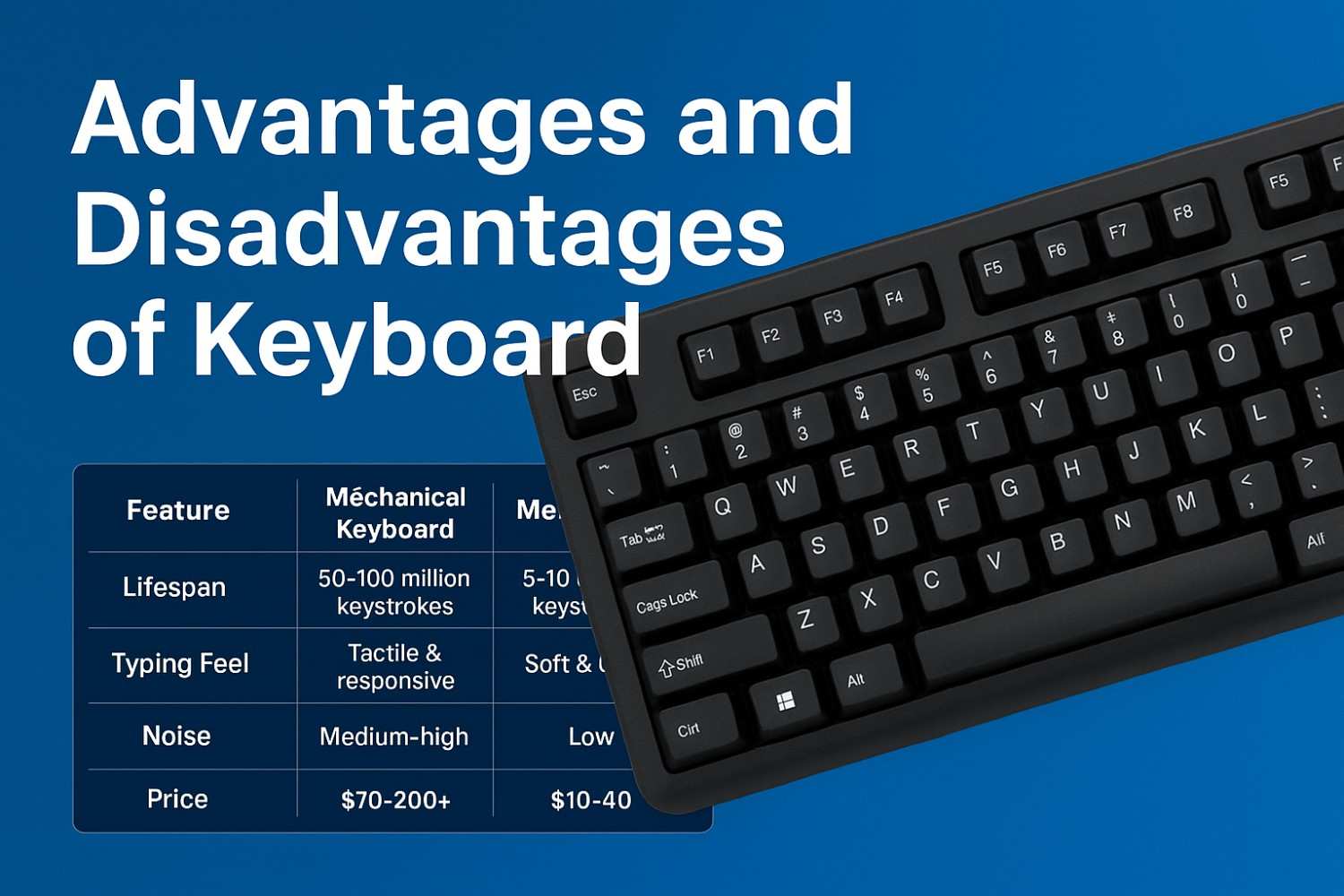
⭐ Quick Comparison: Mechanical vs Membrane Keyboards
| Feature | Mechanical Keyboard | Membrane Keyboard |
|---|---|---|
| Lifespan | 50–100 million keystrokes | 5–10 million keystrokes |
| Typing Feel | Tactile & responsive | Soft & quiet |
| Noise | Medium–high | Low |
| Price | $70–200+ | $10–40 |
| Best For | Programmers, gamers, heavy typists | Office workers, students, budget users |
For a deeper dive, you can explore our [types of keyboard] guide.
3. Exceptional Durability and Longevity
Mechanical keyboards and premium models last longer than cheap membrane options. Quality switches (Cherry MX, Gateron, Kailh) and reinforced builds extend lifespan and improve reliability. Brands like Lenovo also test laptop keyboards for durability, including spills and keypress endurance.
4. Precise Control for Gaming and Professional Work
Mechanical keyboards provide millisecond-level response times essential for gaming, design software, and coding. Features like n-key rollover and anti-ghosting ensure every keypress registers accurately. For advanced testing, the [keyboard polling rate tester] helps measure reporting speed and latency.
Disadvantages of Computer Keyboards
1. Health Risks: Repetitive Strain Injuries
Extended typing without proper ergonomics can cause:
- Carpal Tunnel Syndrome
- Repetitive Strain Injury (RSI)
- Neck, shoulder, and wrist pain
Prevention: use ergonomic keyboards, maintain proper posture, and take regular breaks. For wireless setups, see [advantages and disadvantages of wireless keyboard].
2. Desk Space and Portability
Full-size keyboards consume desk space, which can be challenging in compact workstations. Compact 60% or TKL layouts reduce the footprint by 30–40%.
3. Learning Curve for New Users
Beginners may struggle with key placement, touch typing, and modifier keys. Most users reach comfortable speed (30–40 WPM) after 2–4 weeks of practice.
4. Hardware Dependency and Failure Points
Physical keyboards can fail due to:
- Spilled liquids
- Broken keycaps
- Worn-out switches
- Wireless signal drops or battery issues
When a keyboard fails, workflow stops immediately.
5. Noise Pollution
Mechanical keyboards can reach 50–60 dB, which may disturb others. Silent switches or membrane keyboards offer quieter alternatives.
6. Cost Considerations
Prices vary:
- Budget membrane: $10–30
- Standard mechanical: $70–150
- Premium mechanical: $150–400+
- Ergonomic: $100–350
Investing in durability and comfort often outweighs the upfront cost.
Frequently Asked Questions
1. What are the main advantages of using a keyboard?
Keyboards allow much faster typing compared to handwriting or touchscreens, improving overall productivity. They provide higher accuracy rates and support keyboard shortcuts that save time during daily tasks. Many keyboards also include ergonomic designs and customization features, such as programmable keys and macros, which enhance comfort and efficiency for work, gaming, or coding.
2. What are the disadvantages of a keyboard?
Keyboards require desk space, which can be a challenge for compact workstations. Extended use without proper ergonomics may cause wrist, hand, or shoulder strain. Some keyboards, particularly mechanical models, can be noisy, and hardware issues like worn-out switches or connectivity problems may disrupt workflow. Cost can also be a factor, as high-quality keyboards often require a significant upfront investment.
3. Is a wireless keyboard better than a wired one?
Wireless keyboards offer flexibility and a clutter-free workspace, making them ideal for mobile setups or shared environments. However, they can experience input lag, battery dependency, or connection drops, which may affect gaming or fast typing tasks. Wired keyboards generally provide lower latency and more stable performance, making them a preferred choice for competitive gaming and professional work.
4. Why does typing feel faster than using a touchscreen?
Physical keyboards provide tactile feedback that helps users type accurately and quickly, reducing errors compared to touchscreen typing. The raised keys allow for touch typing techniques, enabling multiple fingers to work simultaneously. For extended typing sessions, keyboards also reduce fatigue and maintain consistent speed, which touchscreens cannot replicate for long texts.
5. Can keyboards cause hand or wrist pain?
Yes, improper posture or prolonged typing on standard keyboards can lead to conditions like carpal tunnel syndrome, repetitive strain injuries (RSI), or chronic wrist and shoulder pain. Using ergonomic keyboards, wrist rests, and maintaining proper typing posture can significantly reduce discomfort. Regular breaks and stretching exercises are also recommended to prevent long-term injuries.
6. Do keyboards affect gaming performance?
Absolutely. Mechanical keyboards with low-latency switches, anti-ghosting, and n-key rollover provide faster and more accurate key registration. This improves reaction times for competitive gaming and ensures complex key combinations are executed correctly. Choosing the right keyboard can give gamers a tangible advantage in speed and precision.
7. Mechanical vs membrane keyboards — what’s the difference?
Mechanical keyboards use individual switches for each key, providing tactile feedback, higher durability (50–100 million keystrokes), and faster actuation. Membrane keyboards rely on rubber domes, which are quieter, softer, and more affordable, but less durable and responsive. The choice depends on typing habits, budget, and whether you prioritize speed, comfort, or quiet operation.
8. How often should a keyboard be cleaned?
Keyboards accumulate dust, debris, and germs quickly, which can affect performance and hygiene. Cleaning every 1–2 weeks is recommended using compressed air, gentle wipes, or removable keycaps for deeper cleaning. Regular maintenance ensures smooth key operation, extends lifespan, and reduces the risk of sticky or unresponsive keys.
9. Why do some keyboards have input delay?
Input delay, also called lag, can occur due to wireless interference, slow polling rates, or worn-out key switches. Outdated drivers or poor connectivity may also affect response times. Tools like the [keyboard latency checker] or [keyboard polling rate tester] can help identify lag issues and ensure optimal performance for typing or gaming.
10. How do I know if a keyboard is performing correctly?
You can verify keyboard performance using testing tools like the [Keyboard Tester Tool], which checks each key for proper registration, or the [keyboard latency checker] for response time. Observing for stuck keys, inconsistent input, or slow response can also indicate hardware issues. Regular testing ensures your keyboard remains reliable for work, gaming, or productivity tasks.
Related Tools
- Keyboard Tester Tool – Check key performance and latency.
- Reaction Time Test – Measure reflex speed for gaming and typing.
- Keyboard Counter Tool – Track keystrokes and productivity.
- Keyboard Polling Rate Tester – Analyze latency and response time.